PAY IN / PH
Build around your collection order.
Use the Philippines gateway and assigned channel for collection requests, checkout responses and transaction notifications.
View collection referenceCustomer→88Pay→Your business
 88PAY / PHILIPPINESSoutheast Asia
Connect Philippines collection and payout requirements through country-specific merchant configuration, account fields and verified transaction notifications.
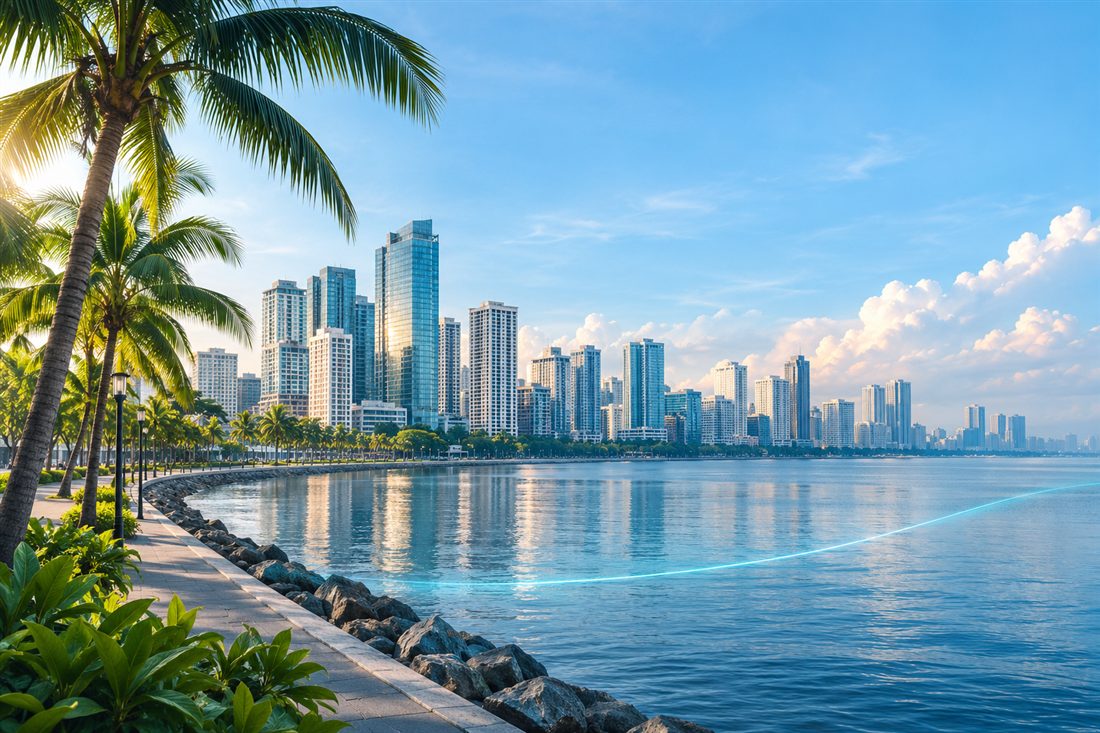
A shared brand experience, with the local fields and transaction requirements kept in focus.
88Pay Philippines groups collection and payout documentation for this market. The supplied payout example uses GCash; actual bank and channel options remain tied to your assigned merchant configuration.
Keep country gateways, merchant credentials and channel settings separate.
Verify notifications and query the original order when a result is uncertain.
Start with the assigned channel and the documented requirements for this market.
Use the Philippines gateway and assigned channel for collection requests, checkout responses and transaction notifications.
View collection referenceThe supplied payout example uses bankname="gcash". Confirm the accepted account format and channel value for your merchant before sending requests.
View payout referenceChannel, currency, limit and account requirements are confirmed for the assigned merchant integration. Documentation examples do not define the complete availability list.
Practical details from the Philippines reference.
The source demonstrates bankname="gcash" in a payout request. Treat this as a documented integration example, not a complete list of supported payment methods.
The Philippines gateway is supplied during onboarding. Merchant credentials and channel codes must match your assigned configuration.
Verify callback signatures, match merchant orders and amounts, and handle repeat notifications idempotently. Query the original order when a result is uncertain.
Switch between collection and payout journeys to see where each step fits.
Keep a unique order reference, amount string and the assigned collection channel.
Follow the country parameter table and preserve the exact values used in signing.
Handle the checkout or payment response returned by the assigned channel.
Verify notifications or query the order before recording the final business result.
Implement this flow using the Philippines collection reference and assigned merchant configuration.
Read the referenceUse the country-specific account fields and formats assigned to your channel.
Validate the request locally and submit it to the assigned payout endpoint.
An accepted application does not mean that the payout has completed.
Match merchant references, verify notifications and reconcile with the documented query.
The source demonstrates bankname="gcash" in a payout request. Treat this as a documented integration example, not a complete list of supported payment methods.
Read the referenceFind the Philippines reference without leaving the 88Pay website. Gateways and request fields remain country-specific.
Open Philippines docsConfirm collection, payouts or both, and the intended business journey.
Obtain the correct gateway, merchant credentials and channel values.
Check signatures, required fields, notifications, queries and idempotency.
Confirm the applicable amount, account and transaction-handling rules.
A few details to clarify before your integration.
Yes. The supplied payout example uses gcash as bankname. Use the value and account format assigned to your merchant.
Do not assume so. Use the Philippines gateway provided during onboarding with its assigned merchant credentials and channels.
Use the Philippines payout query or a verified payout webhook. A successful application response only confirms acceptance.
Confirm the target country, assigned merchant credentials, gateway, channel codes, amount rules and beneficiary fields. Use the corresponding country reference rather than copying another market’s request.
Confirm the available channels, currencies, limits and applicable processing requirements for your assigned integration. A documentation example is not a complete list of available capabilities.
Start with the country reference and prepare your assigned integration.
 88Pay Vietnam

 88Pay India

 88Pay Brazil